You taught Recall
“Always use uv for Python projects and add a regression test for every bug fix.”
 Recall
Portable memory for coding agents
Teach Recall how you work once. Claude, Codex, Cursor, and the rest pick up the right context in every session, on every device.
Open source Local-first Cloud is optional
Recall
Memory ready
You taught Recall
“Always use uv for Python projects and add a regression test for every bug fix.”
Already there when you switch agents
Starts on your machine. Turn on encrypted cloud sync only when you want memory everywhere.
Correct an agent once. Recall turns the lesson into a clean rule for the next session.
See what was learned, where it came from, and remove anything you do not want remembered.
Use the same trusted memory with Claude, Codex, Cursor, Copilot, and more.
Recall reads the docs and conventions already in your repo, so a new agent is not starting cold.
When you repeat a preference or fix an agent mistake, Recall keeps the useful lesson.
Repeated, useful guidance stays. Noise, duplicates, and one-off details stay out.
Each agent gets the right memory automatically, right when the next session begins.
Your memory, at a glance
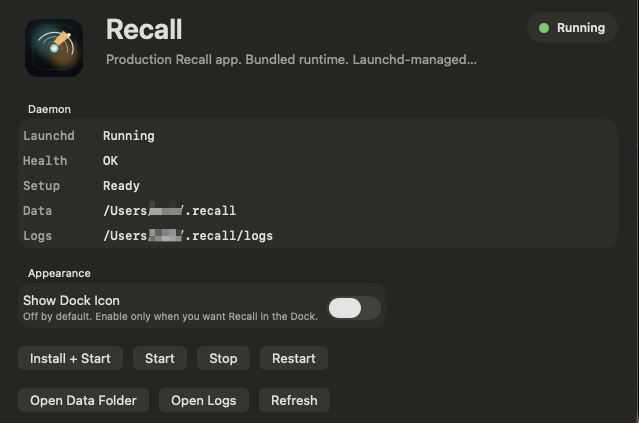
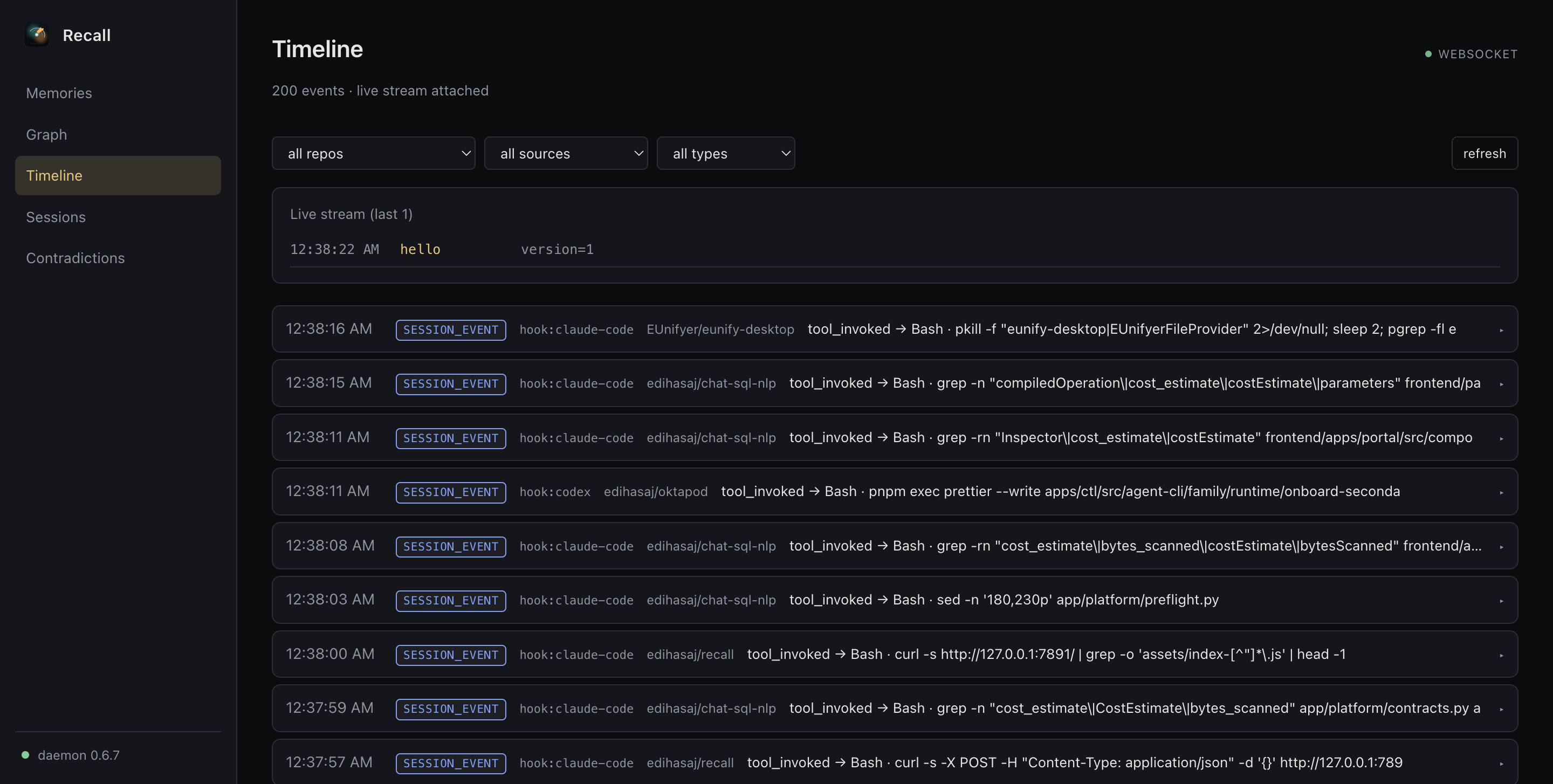
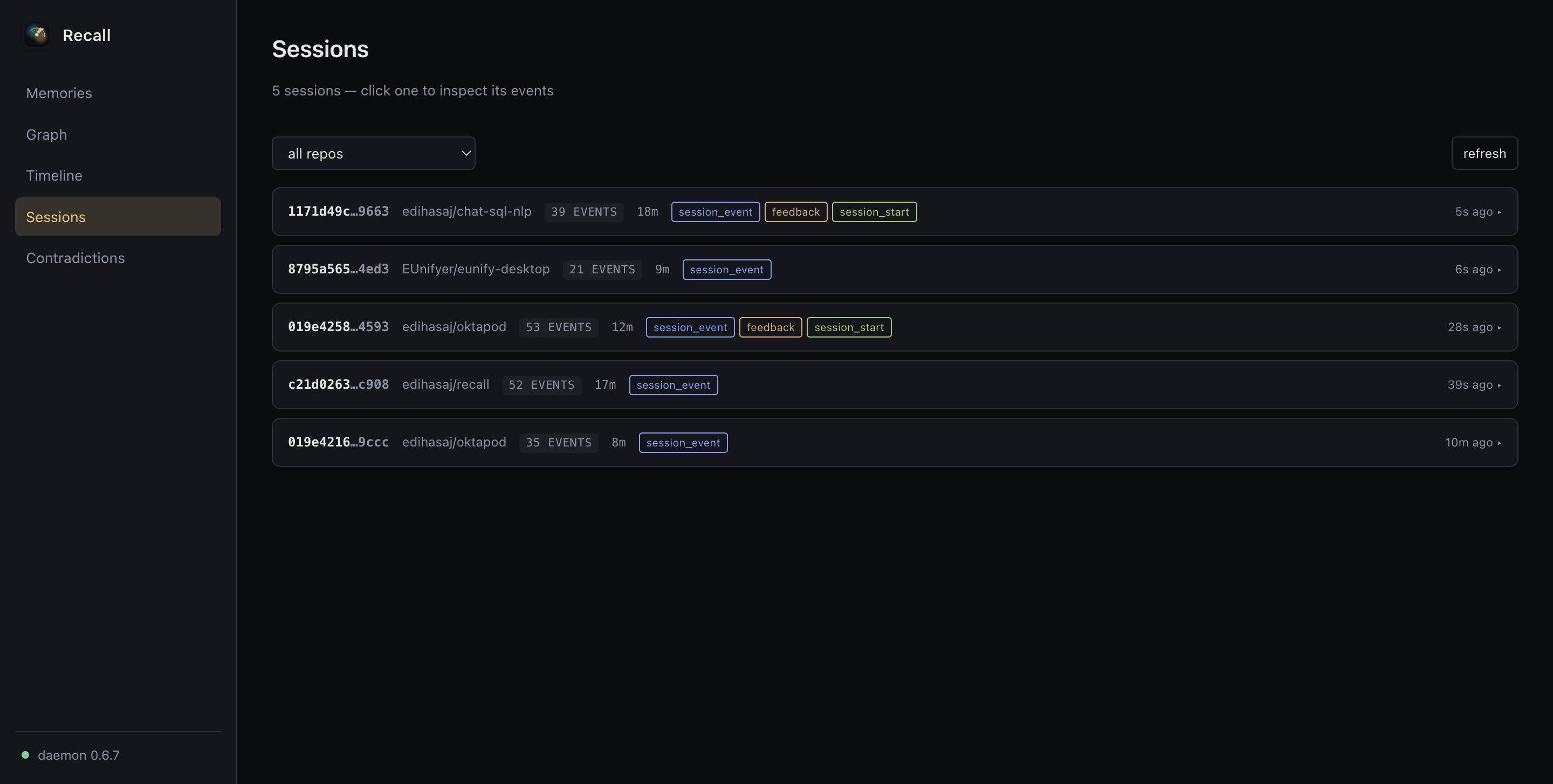
Recall.app keeps everything calm and visible in one place. Check that memory is ready, open your dashboard, or connect Recall Cloud when you want to use it on more devices.
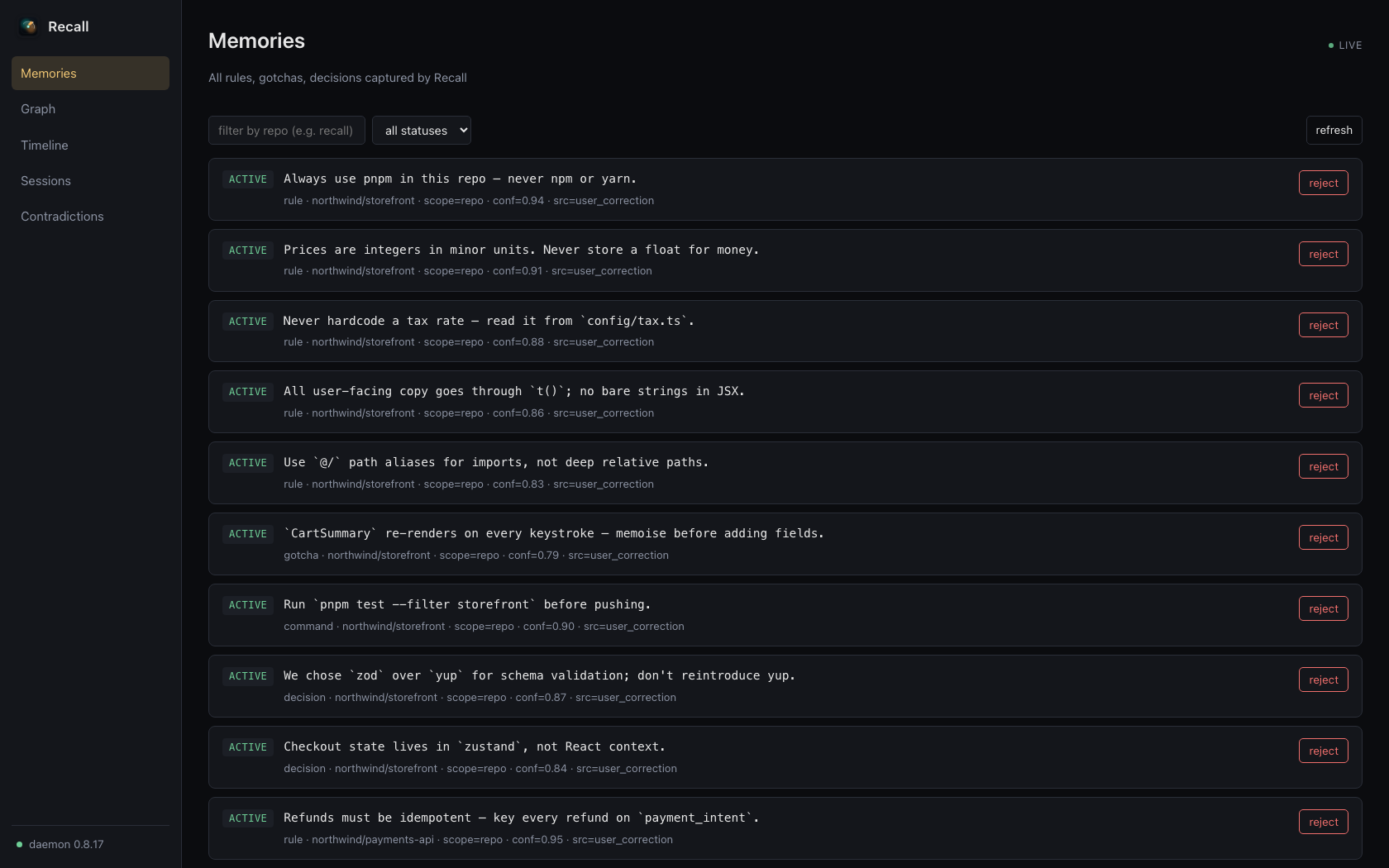
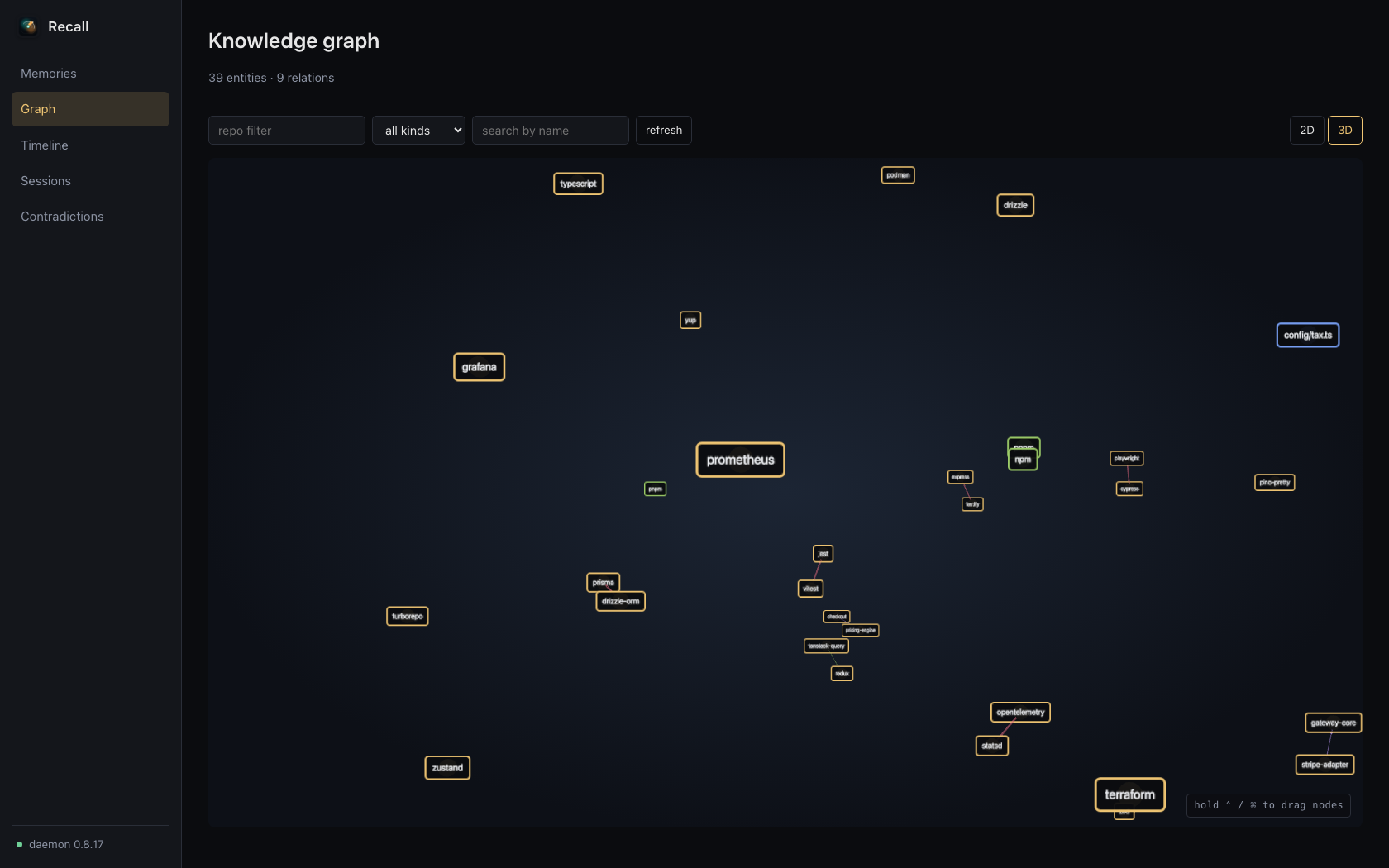
Browse every memory, see where it came from, and fix or remove it whenever you like. The dashboard runs on your machine. No cloud and no account required.
Recall Cloud
Recall stays free, open source, and useful on your machine. Turn on encrypted cloud sync when you want the same trusted memory on every device, remote agent, or teammate. Nothing leaves your machine until you choose.
Free locally
Private memory for all your local coding agents.
Want memory on every device? Pro is $9/mo.
Start free$19 / user / mo
One shared memory for the way your team builds.
Custom
More control for larger organizations.
Install
One command on any platform. Use Homebrew on macOS, curl | bash on Linux,
one PowerShell line on Windows. Each installer auto-detects your coding agents and
wires up MCP and lifecycle hooks for you.
From the next session on, Recall injects the right rules automatically. The CLI is there when you want to inspect or override. You don't need it for the common path.
# macOS: install & done
brew install --cask edihasaj/tap/recall
# open Recall.app → Install + Start → magic
# Linux: one-line installer
curl -fsSL https://recallmemory.dev/install.sh | bash
# or do it by hand:
# npm i -g @edihasaj/recall && recall setup --yes
# recall daemon install # systemd --user service# Windows: PowerShell installer
irm https://recallmemory.dev/install.ps1 | iex
# or do it by hand:
# npm i -g @edihasaj/recall && recall setup --yes
# tray icon appears; right-click → Open Dashboard# contributors only: build from source
git clone https://github.com/edihasaj/recall.git
cd recall
npm ci
npm run build
npm testAsk your AI assistant about Recall